
› Python
Here you'll learn how to set up your server correctly for Python!
Open the Webpanel. There, you log in with your username and the password you set during registration.
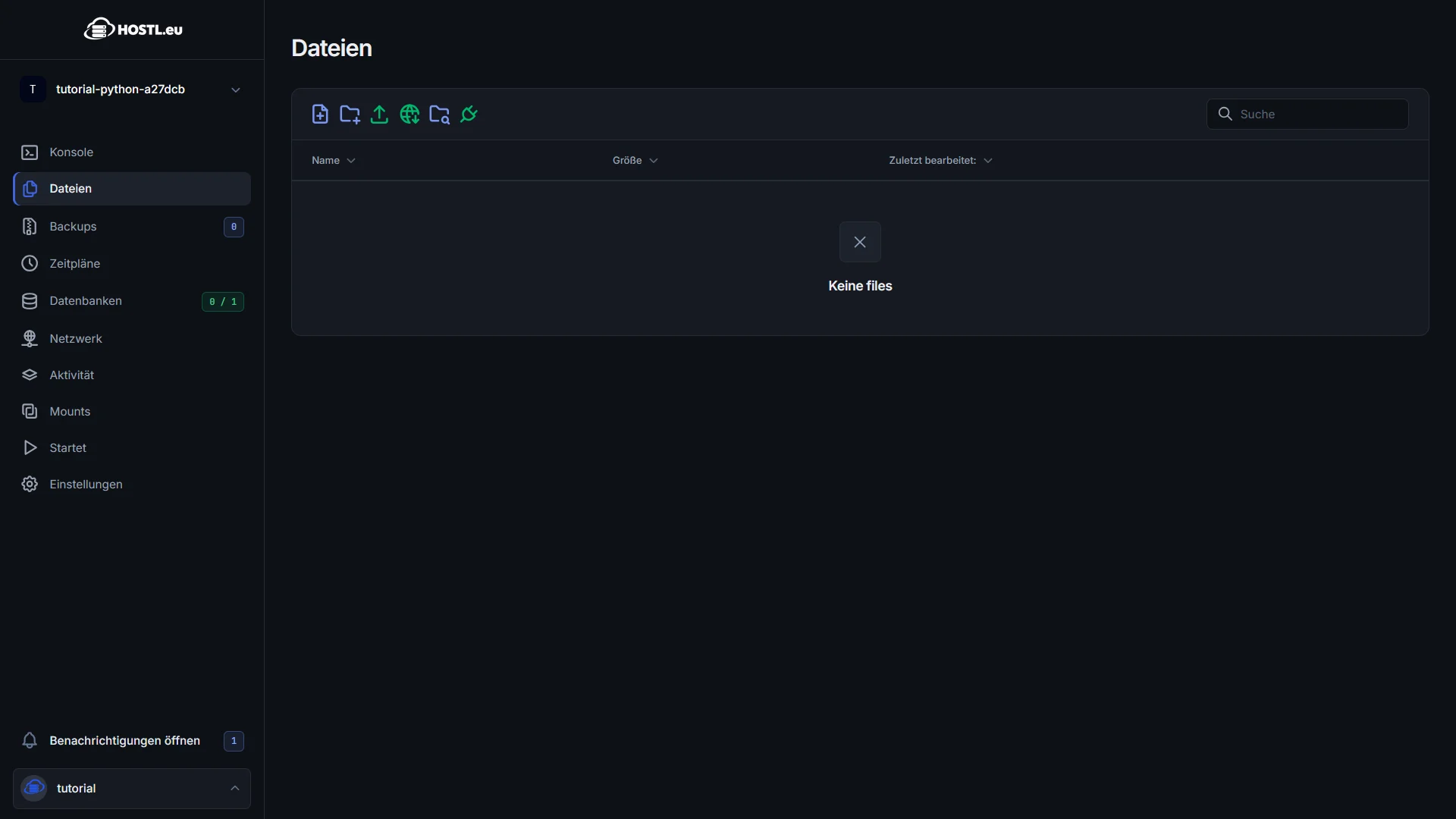
1. Upload your bot files
2. Startup Settings
Now we still have to adjust a few things under the Startup tab
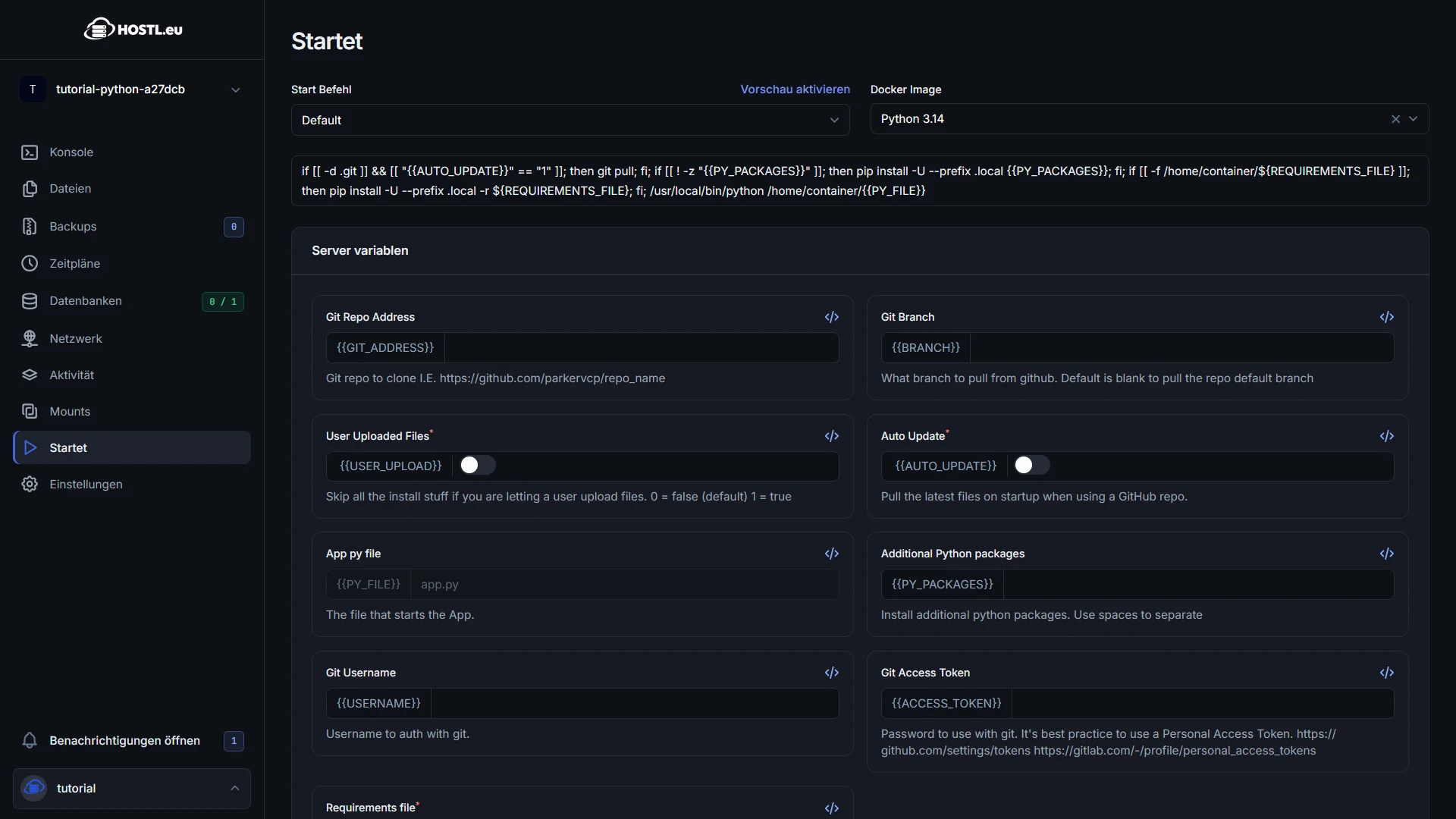
First of all, additional Node packages as well as the mail file are important:


You have successfully set up your Python server